OpenCV 5 · Agentic analysis
Smarter crop monitoring — powered by computer vision
CropSense AI combines OpenCV 5 computer vision and agentic analysis to help identify visual crop stress, monitor field health, and support earlier decisions.
Visual assessment only — CropSense AI does not diagnose specific diseases.
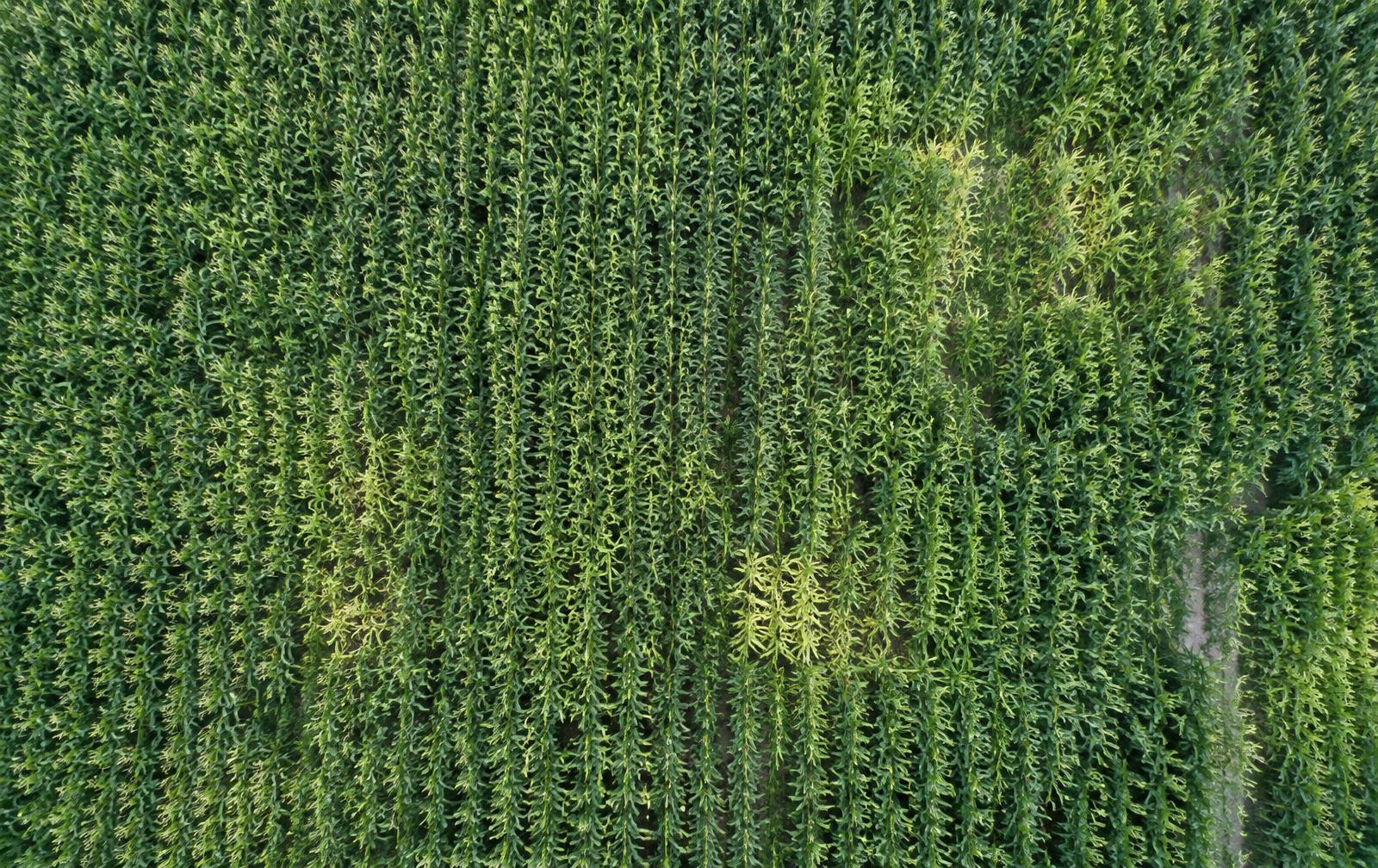 R1 · 4.8%R2 · 2.1%R3 · 1.6%
Why CropSense
Three things it does well — without guesswork
See stress early
OpenCV highlights suspicious patches on every leaf photo — with measured affected area, not guesses.
Start an analysisAgent that looks closer
When something looks off, the agent re-checks the region or asks for a better photo — every step logged.
See agent activityTrack every field
Organise analyses by field and crop, and follow health over time — weekly reports included.
Open fieldsHow it works
From photo to field decision in four steps
- 01
Upload
Drop a JPG, PNG, WEBP or MP4 captured in the field or by drone.
- 02
OpenCV 5 Analysis
Quality check, vegetation segmentation, contour detection and measurements.
- 03
Agent Decision
The agent reviews results and decides whether to look closer or request a new image.
- 04
Assessment
A visual crop-health assessment with regions, measurements and next steps.
Capabilities
Built for agronomists, not demos
Computer Vision
Excess-green segmentation, HSV thresholds, contour extraction and sharpness metrics.
Field Monitoring
Organise analyses by field and crop, with health status tracked over time.
Visual Anomaly Detection
Suspicious regions highlighted with bounding boxes, contours and affected-area %.
Agentic Analysis
An agent loop that requests region re-analysis or human review when needed.
Historical Comparison
Compare each analysis with the field's previous result to spot change early.
Reports
Weekly and monthly field reports, ready for export.
Agentic vision
Not image → fixed result. Perception → decision → action → new perception.
Step 4 of 6
Agent decision
The agent can use computer-vision results to determine whether additional analysis is required.
Technology